Add images your way
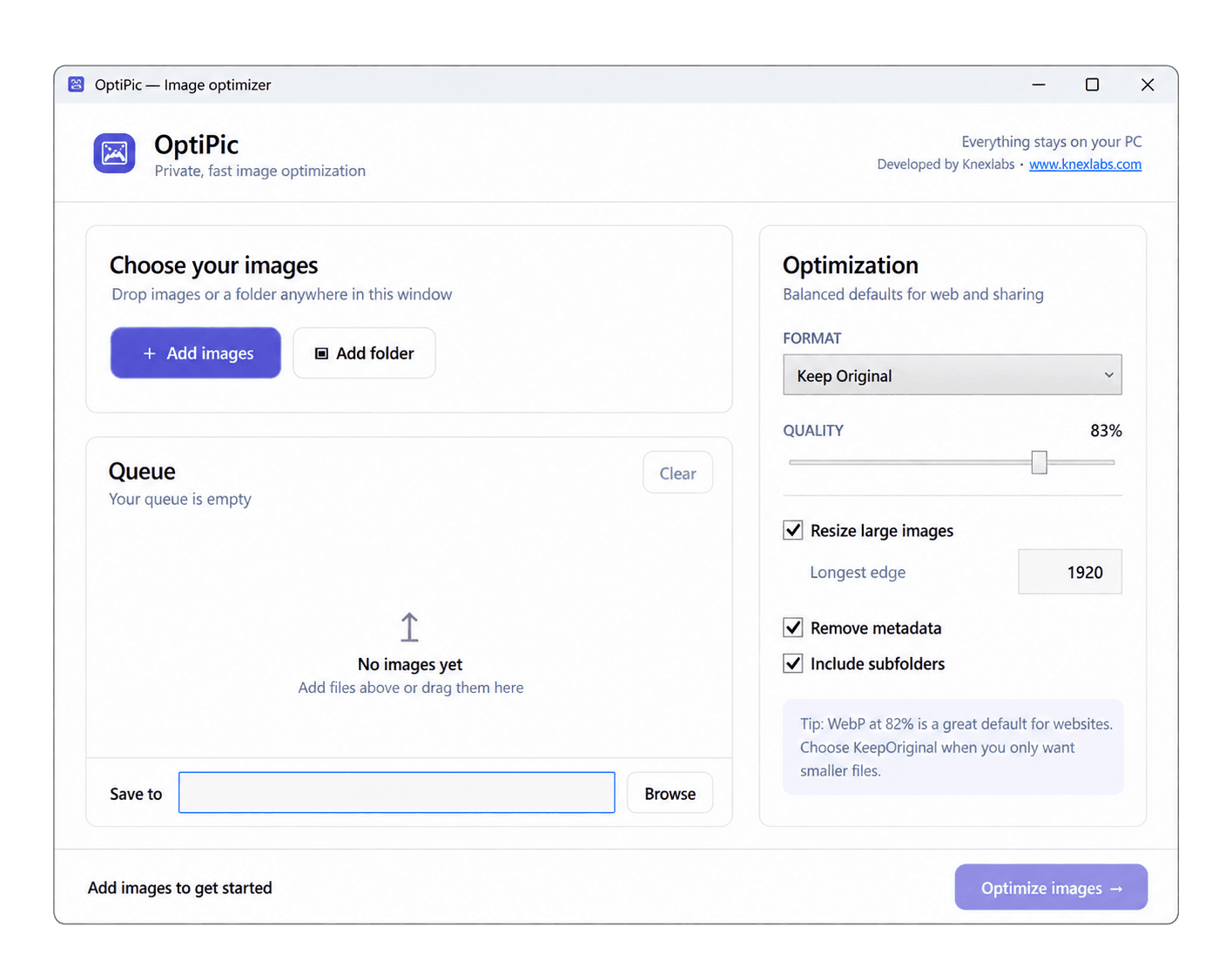
Choose individual images, select a complete folder, or drag and drop files directly into OptiPic.
OptiPic · Free Windows utility by Knexlabs
Compress, convert, and resize images or complete folders directly on your computer. Your files stay with you.
Small utility, practical purpose
OptiPic is designed for the routine job of preparing images for websites, documents, sharing, or storage—without adding an account, an upload step, or unnecessary complexity.
Choose individual images, select a complete folder, or drag and drop files directly into OptiPic.
Export as WebP, JPEG, PNG, or retain the source format. Adjust quality and resize images that are larger than you need.
Remove EXIF and GPS metadata when required. Processing happens locally, without sending your images to a remote service.
Include subfolders, preserve their structure, and create collision-safe filenames without overwriting existing work.
How it works
Add files or select a folder of images.
Select the format, quality, size, and metadata options.
Run the job, review the savings, and open the output folder.
Free Windows utility
Download OptiPic for Windows 10 or 11. Free to use, with image processing that stays on your computer.