Your content
What do you publish, how is it structured, and where does it need to appear?
KnexPublish · by Knexlabs
Write, organize, and publish with a headless CMS that puts your content first. Support public and protected posts from one workspace.
Discuss KnexPublish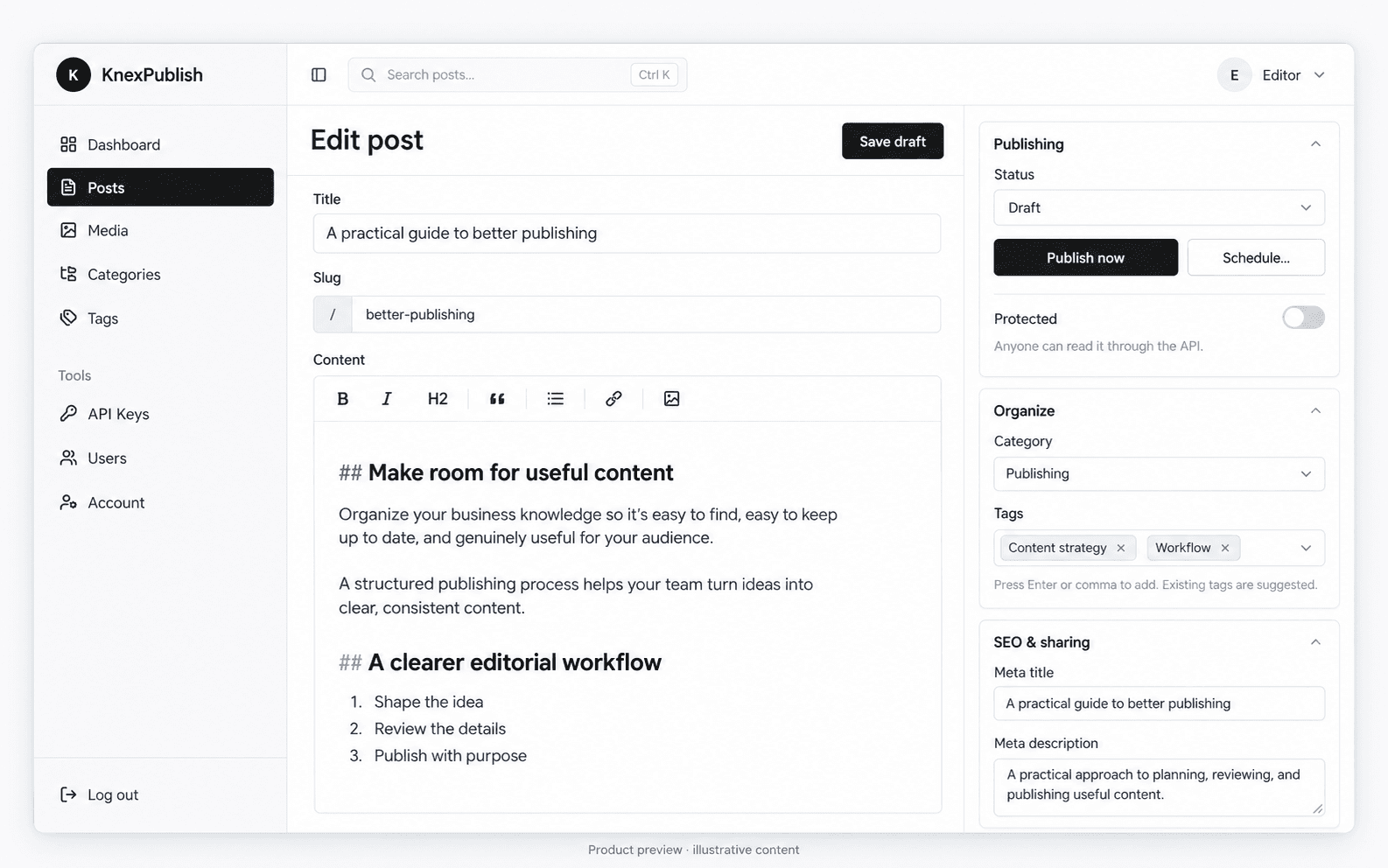
What headless means
In a headless setup, the CMS holds the content, while your website or application controls how that content appears to its audience.
KnexPublish is our product for this approach. We can discuss how it fits your editorial process and what is needed to connect it to your website.
Plan the fit
What do you publish, how is it structured, and where does it need to appear?
Who creates and reviews content, and which parts of the workflow need support?
How should your frontend retrieve content, and what should happen when you publish an update?
Explore it with us
Tell us about your content, your team, and your website. We’ll discuss the current product, integration requirements, and the hosting and support arrangements appropriate to your project.
Talk about your publishing workflowInside KnexPublish
Formatting tools for headings, lists, links, tables, images, code, and YouTube embeds, with preview and focus mode.
Save drafts, publish immediately, or schedule a post. Browse posts by status and filter by category or search.
Choose public or protected access for a post. Connect your frontend according to the API’s access requirements.
Use categories, tags, editable URL slugs, and excerpts to structure the content your website presents.
Set a meta title and description, select a social image, and add a cover image with a defined crop.
Dedicated areas for media, users, and API keys keep publishing tools together in the administration interface.